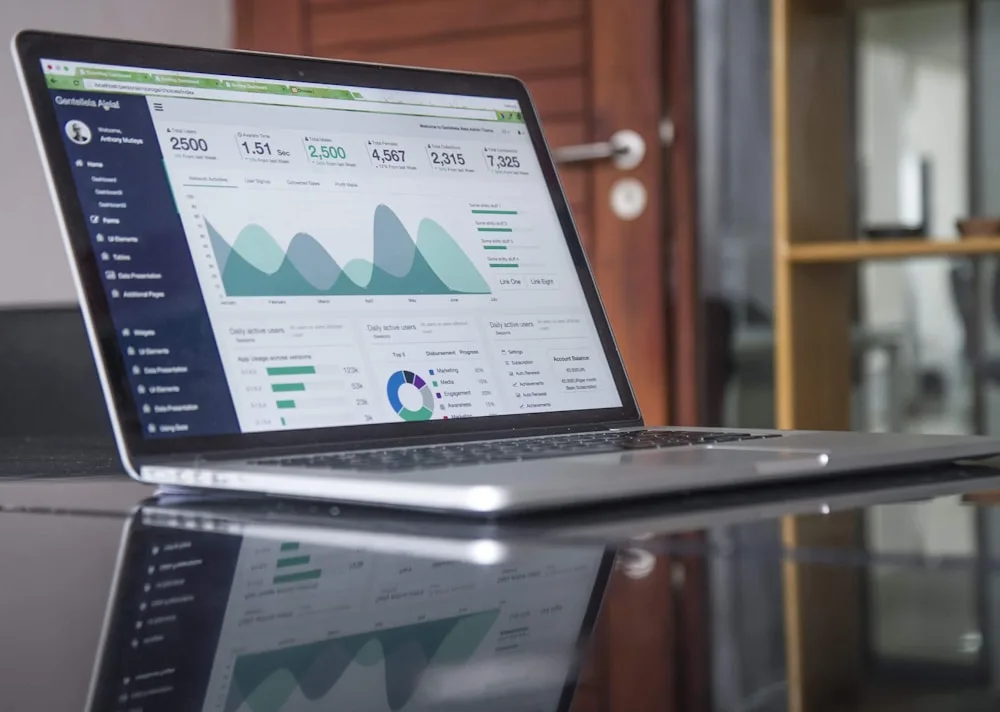
ChatGPT Business Hub insights show aggregate activity over the past 28 days: mentions, website clicks and discovery topics. They tell you how often ChatGPT mentioned your business and how many website clicks followed, not what people asked or where you ranked. I cover the claim itself in my ChatGPT Business Hub setup service.
Last checked 12 November 2026. Business Hub is in beta, so OpenAI may change how insights work.
Find the insights tab in ChatGPT Business Hub
OpenAI's help article says to open your business in Business Hub and select Insights. You only see them after you claim the business and OpenAI approves your Persona identity check.
If you haven't claimed yet, start with how to claim your business on ChatGPT. If Persona is the snag, my post on Business Hub verification problems covers it.
Early reaction to the launch has been hopeful. A Hacker News commenter wrote, "There's a lot of nonsense in the AI-tracking world and this should help." Another wrote, "Glad this is finally available."
ChatGPT mentions mean something narrow for a local business
OpenAI defines a mention in two ways. For an online business, a mention counts when ChatGPT references your website. Your brand name alone doesn't count.
For a local business, a mention counts when ChatGPT shows a result for your location. That holds even if the customer never opens the listing or visits your site. So a local mention is closest to "ChatGPT showed my business," not "someone talked about me."
Website clicks in Business Hub are visits and not customers
Insights also count website clicks. OpenAI's help article doesn't define them further. A click is one step from a customer. It is not a booked job.
Pair this number with your own site analytics and your call log. OpenAI's help article doesn't say how these visits show up in other tools, so look at what your own analytics reports.
Discovery topics in ChatGPT Business Hub show themes
Discovery topics are common themes in ChatGPT answers that mentioned or cited your business. OpenAI says they are not individual prompts or customer intent.
Read them as a mirror. If the themes don't match what you sell, check what your listing and website say about you. OpenAI says insights can help you find opportunities to improve the information you share.
A blank Business Hub insight is not always zero
OpenAI says insights only appear above privacy thresholds. A blank metric doesn't necessarily mean zero. It can mean one of three things:
-
Activity hasn't reached the reporting threshold yet.
-
Data is still being collected.
-
Reporting is unavailable for now.
Contact OpenAI Support about a blank Business Hub metric
OpenAI also says counts may be incomplete. If a metric stays blank, contact OpenAI Support.
What Business Hub insights do not show about ChatGPT
Insights show no ChatGPT prompts or conversations
Businesses don't receive individual prompts or consumer conversations. That includes chats with their business agents.
Insights show no ChatGPT ranking or position
OpenAI's help article lists no ranking or position metric. Nobody can tell you from Insights that you are number one.
Insights show no competitor data
The article documents no comparison with other businesses, so I won't invent one.
Claiming in Business Hub promises no extra visibility
OpenAI says claiming doesn't guarantee increased visibility. It also says advertising doesn't influence ChatGPT's independent answers.
ChatGPT answers change between asks in Spearleaf's study
ChatGPT's local answers shift between asks. In Spearleaf's study of 216 US markets, only 48.2% of shown businesses were shown again 4 to 9 days later.
The same business held the number one spot in both asks in 34.1% of paired markets. On a 0-to-1 overlap score, Google's local pack held 0.82 between captures 3 days apart.
ChatGPT's panel held 0.36 between asks 4 to 9 days apart. These are descriptive numbers, not proof of cause. So read a 28-day count as a trend, not a grade.
Read ChatGPT Business Hub insights in practice
- Write down mentions, website clicks and discovery topics on the same day each month, because the 28-day window rolls.
- Compare one 28-day window with the last, and look for a trend across several months.
- Put website clicks next to your own analytics, calls and booked jobs.
- Check discovery topics against your business description, then fix what doesn't match.
- Ask ChatGPT about your business yourself, more than once.
Give ChatGPT time to show your Business Hub changes
OpenAI says a saved change doesn't mean every answer will reflect it immediately. My guide to checking whether AI recommends your business shows how to test. For the description fix, see my post on the ChatGPT business description.
Share ChatGPT Business Hub insights with your agency
OpenAI's terms say you may use Insight Data to measure, analyze, optimize and report on your use of Businesses in ChatGPT. You can share it with service providers acting on your behalf for those purposes.
So your agency can read your numbers. The terms call the data OpenAI's Confidential Information, so share it only with people working for you. For context on the product itself, read ChatGPT Business Hub vs Google Business Profile and can local businesses claim a ChatGPT listing.
Get your ChatGPT Business Hub insights read and acted on
You claim the business in your own name, then add Spearleaf as your agency. I read your insights each month, fill in and maintain your listing, and track calls next to the clicks. I can't promise ChatGPT will recommend you.
Book a call about your ChatGPT insights
- Start here: ChatGPT Business Hub verification problems.
- Next step: ChatGPT business description.
- Read how: check if AI recommends your business.