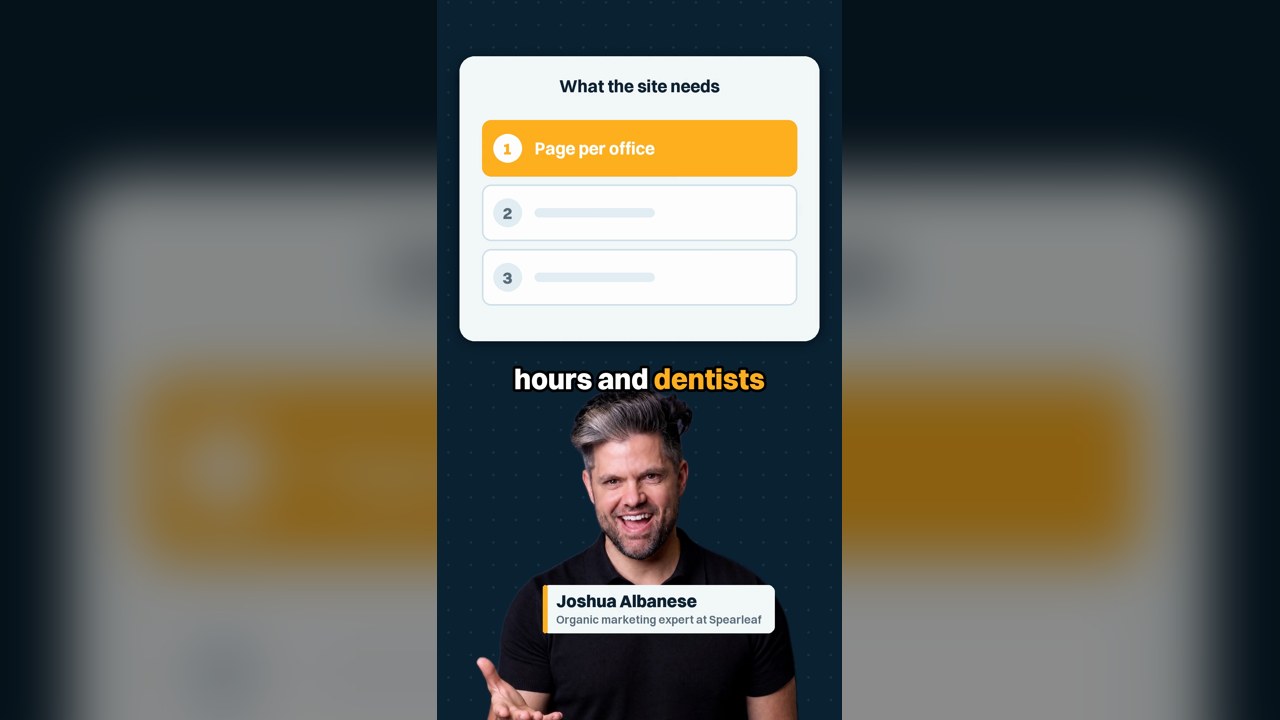
The best dental websites let a new patient on a phone find the right office, see the dentist, check insurance and book. I'm Joshua Albanese, and in my short video on dental website design for four offices, I answer a dentist getting quotes. Below are examples by practice type, the HIPAA and ethics rules that apply, and how to count booked consults per office.
What do the best dental websites have in common?
They make it easy for a new patient to pick an office, see who will treat them, and book from a phone. The ADA Code of Ethics describes dental websites as introducing "the professionals and staff in the office". Check every dental website on a phone first, including your own.
Galleries that rank for this search show screenshots, which cannot show whether booking reaches the right office. I run Spearleaf, a national SEO and AI search agency, and I judge a dental practice website by what a patient can do on it.
One reviewer of a marketing agency on Trustpilot described the gap: "I was getting ALOT of clicks and no calls". Another wrote, "I know nothing about SEO or websites". You may be good at dentistry and need help getting found online.
Test your dental website on your phone, one office at a time
Run this test tonight for each office, on your own phone, the way I describe in the video.
- Search Google for the practice name and town for each office, then tap through to the website.
- Tap Book Online. Stop before you submit, so no test appointment lands on the schedule.
- Check that the phone number, address and hours match the office you meant to book.
- Find that office's dentists, with real names and photos, and its in-network PPO list. Compare the list with the plans it accepts today.
- Open the implant page and see whether it says who does the work and at which office.
- Run the page through PageSpeed Insights, Google's free speed test, and note anything slow or broken.
Best dental website examples by practice type
I describe patterns here instead of ranking other practices' sites, because the right site depends on the practice. Use these as examples of what each kind of dental office should put first.
Solo general practice
The dentist's face and name near the top, office hours, the PPO list, and a Book Online button that stays visible on a phone. Lead with the person the patient will see.
Multi-office dental group
A page for each office with its own phone number, hours, address and dentists. The homepage routes patients to the nearest office instead of one shared number.
Implant and cosmetic practice
A page for each big case: implants, Invisalign, veneers. Each says who does the work, where the price usually starts and the payment options, with authorized patient photos only.
Pediatric dental office
Written for parents: ages seen, what a first visit looks like, sedation policy if you offer it, and which insurance plans each office takes.
Emergency-focused office
A tap-to-call button and same-day hours on the first screen of every page. A patient in pain wants a phone number and a time, not a tour.
Score the sites in your own town
Search for a dentist in your town, open the top three sites, and run the phone test on each. That is the comparison that matters to your patients.
One page per office for a multi-location dental practice
Give each office its own page with its own phone number, hours, address and the dentists who work there. Google's Business Profile guidelines ask for "a website that represents your individual business location". Link each office's Google profile to that office's page.
In the video, a dentist with four offices found that the second office's booking button showed the first office's number. That patient calls the wrong office, or nobody. One page per office, with one number on it, fixes that at the source.
Mark up each office as its own business in structured data, using the Dentist type from schema.org. Our team handles Google Business Profile optimization for each location when you want help.
Dentist bios and real photos for each dental office
Show each dentist's face, name and the offices where they work. I recommend real photos over stock smiles, because a new patient is choosing a person as much as a practice. Skip last year's whitening special too; stale offers make the whole site look unattended.
Bios also carry rules. The ADA Code of Ethics, section 5.I, says general dentists "shall also state that the services are being provided by general dentists". That applies when a general dentist announces implants or Invisalign.
Section 5.H limits announcing as a "specialist" to recognized specialties, such as orthodontics or periodontics, for dentists who meet the education requirements. The Code binds ADA members, and your state dental board sets its own advertising rules. Check both before launch.
Dental website treatment pages for implants, Invisalign and same-day crowns
Build a real page for each big case you want more of, such as implants, Invisalign and same-day crowns. Each page should say where the price usually starts, the payment options, who does it and at which office. A patient comparing practices wants those four answers before calling.
Keep the claims honest. Section 5.F.2 of the ADA Code of Ethics warns against statements likely "to create an unjustified expectation about results the dentist can achieve". Describe the process and the visits, and leave out promises about outcomes.
A starting price is a range, not a quote, so say what changes it, such as the exam and imaging. Link each treatment page to the offices and dentists that offer it, so the patient can book in one more tap.
Insurance, payment options and prices for new patients
List the PPO plans each office is in network with, and put the date you last checked it on the page. An old list sends a patient in expecting coverage that ended months ago. Keep one list per office if the offices differ.
Put payment options in plain words: the plans you accept, financing if you offer it, and any in-office membership plan for patients without insurance. My dental marketing guide covers when a membership plan makes sense and the state rules to check.
Ask the front desk to tell whoever updates the site about every plan change. Then the website changes the same week the contract does.
Online booking and patient forms under HIPAA
Online booking and intake forms collect patient information, so HIPAA reaches the vendors behind them. Under 45 CFR 160.103, a business associate creates, receives, maintains or transmits protected health information on your behalf.
45 CFR 164.502(e) lets you share that information only with "satisfactory assurance" the vendor will safeguard it. The rule requires that assurance in a written agreement, known as a business associate agreement.
Get a signed agreement from every booking, form and messaging vendor that handles patient information, before launch. Ask whether any analytics or ad tracking code runs on booking and form pages. Have your compliance adviser review the answers.
Testimonials and before-and-after photos on a dental website
Patient photos and stories are health information. HIPAA's authorization rule, 45 CFR 164.508, requires a patient's written authorization before you use their information for marketing. Get it signed before a photo or story goes on the site.
Results need evidence too. The FTC's Endorsement Guides FAQ says that without proof a result is what people generally achieve, the ad must make clear what they can expect. A "results vary" line alone does not do that.
Show only cases you can show are typical, or state the result most patients get. Note the dentist who treated each case and the office.
Patient reviews on a dental website, under Google and FTC rules
Two review rules apply, and they differ. Google's review policy bans any incentive for a review and asking only happy patients. The FTC's rule, 16 CFR 465, bans fake reviews, rewards for positive or negative reviews, and suppressing reviews.
On your website, that means no hiding bad reviews while implying the ones shown are all of them. For earning more reviews, read how to improve your Google rating.
Accessibility rules that apply to a dental website
The Justice Department's ADA guidance says Title III of the Americans with Disabilities Act covers businesses open to the public. The guidance sets no detailed web standard and calls WCAG helpful guidance. Treat your dental office's site as covered.
A separate rule applies if your practice receives federal financial assistance from HHS. Under the Section 504 rule, web content must meet WCAG 2.1 Level AA from May 11, 2027 with 15 or more employees. Smaller recipients follow from May 10, 2028.
Ask your attorney whether Medicaid or other payments make you a recipient. W3C, which publishes WCAG, says content meeting WCAG 2.2 also conforms to 2.1, so build to 2.2 AA. Check photo descriptions, color contrast, keyboard use and form labels.
Do blog posts or treatment pages do more for a dental practice?
I recommend treatment pages first, and blog posts that answer real patient questions after that. The ADA Code of Ethics says articles under a dentist's byline need "truthful disclosure of the source and authorship". Check who writes any post published under your name before you approve twenty a month.
Blogs aren't useless. A good post answers a question patients ask at the chair, such as how long an implant takes, and links to the treatment page. A post written only to fill a monthly quota adds little a patient will read.
If you want help with what to publish, our team plans content strategy around the treatment pages first.
How Google and ChatGPT read a dental website
Google and ChatGPT read your website as one source among several, so its facts need to match your listings. In my August 2026 study, the site ChatGPT cited most for dentist questions was reviews.birdeye.com, in 9 of 18 markets. Keep office names, addresses, phone numbers and hours identical everywhere.
Google's AI Overview appeared on 15.3% of the dentist questions in the same study. Over months, clear office and treatment pages can help you show up in Google, ChatGPT and Google's AI answers. No one can promise a placement.
For how the two differ, read ChatGPT vs Google for a local business. The rest is AI search optimization.
Questions to ask a dental website designer before you sign
Ask these in writing, and keep the answers with the contract.
-
Is the domain registered in the practice's name, with the practice listed as the registrant?
-
Do the site, its files and every login leave with you if you cancel?
-
What does the monthly care fee buy, line by line?
-
Will the booking, form and messaging vendors sign a business associate agreement?
-
Who writes the copy and blog posts, and under whose name?
-
Will every old page that brings patients redirect to its new address?
-
Who fixes a broken booking button, and how fast?
Keep the pages that already bring new patients when you redesign
Keep the pages that already bring new patients, and keep their addresses where you can. Google's site move guide recommends permanent redirects, such as 301s, from each old address to its new one. It says to keep them "for as long as possible, generally at least 1 year".
Before launch, export the pages that get clicks from the Search Console Performance report and map each one to its new page. Google says rankings can fluctuate during a move, and new addresses can take a few weeks or more to show.
See the design and the page list before any code is written. One reviewer of a marketing agency on Trustpilot wrote, "They built a site that I explicitly said 'I do not want'".
How to measure whether a new dental website books more patients
Count implant consults booked per office before launch, then compare the same count ninety days after. Google's Business Profile performance report counts calls, website clicks and bookings for each office's profile. Use your practice software to pull that count the same way both times.
Tag each office's profile website link with UTM campaign parameters, so Google Analytics shows visits by office. Compare with the same months last year as well, since seasons move dental schedules.
One small business owner on r/smallbusiness put it plainly: "You'd need to ask every customer how they found you". Add that question to the new patient form. For more on what to track, see the local SEO metrics that matter.
Get a dental website built for booking
Spearleaf builds web design for service businesses: fast, mobile-first sites with SEO structure built in. You own the site, the domain and the hosting, and you keep everything if you leave.
Talk to Spearleaf about web design
- Read this next: dental marketing for a solo practice.
- Before you sign: what a small business website costs.
- Then track it: local SEO metrics that matter.