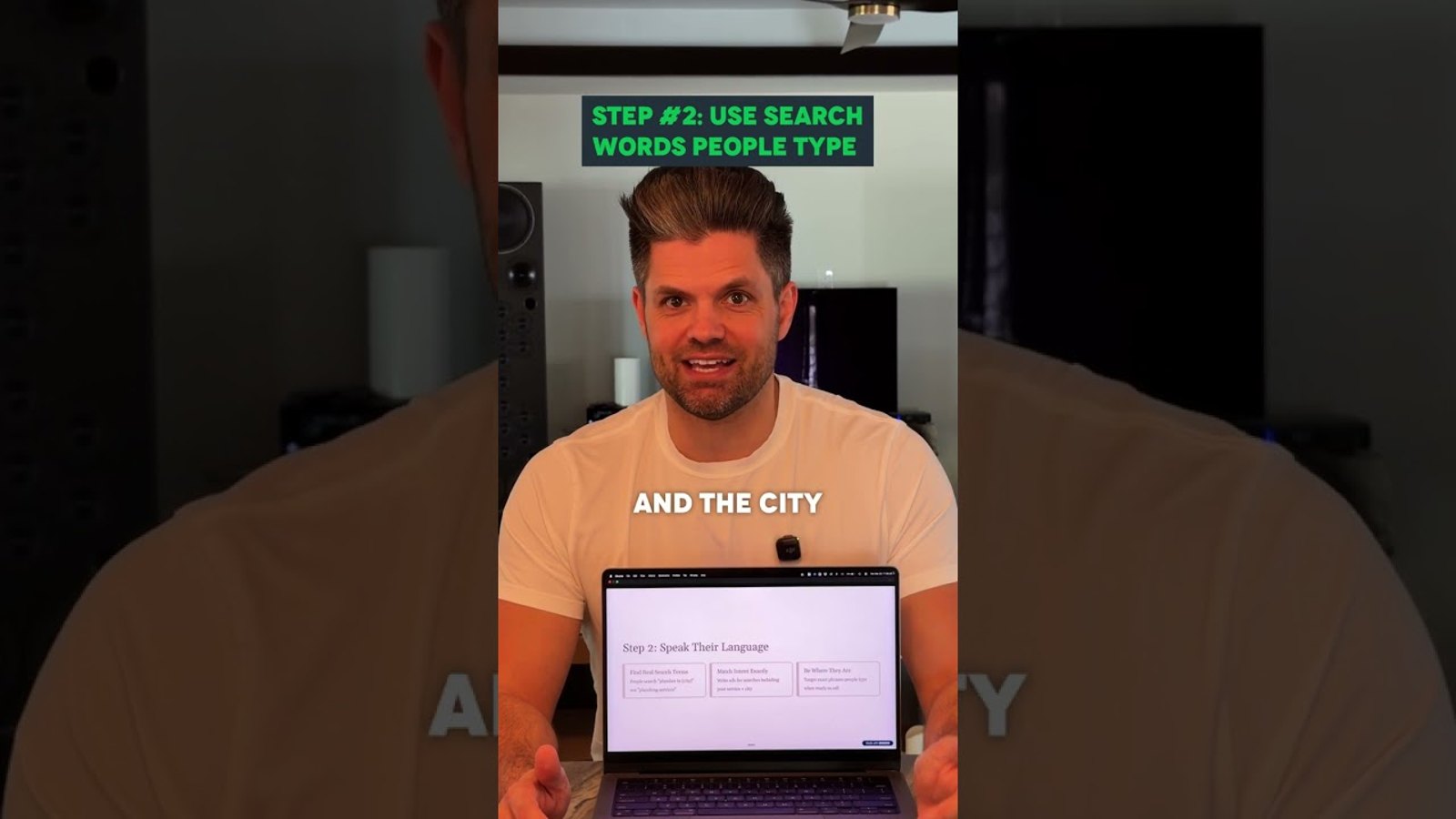
Google Ads for small business works best when the first month stays narrow: one service, one city, spend judged by calls. This plan walks a local service business through weeks one to four: location targeting, keywords, landing pages and conversion tracking. I lay out the same four steps in a short video on a one-month Google Ads strategy.
Is Google Ads for small business worth it in 2026?
Yes, when the account is narrow and every keyword is judged by the calls it brings. Google's own small business guide calls Google Ads pay per click, so every click costs money, call or no call. Start small, track calls from day one, and widen only what works.
One owner put it bluntly in a 1-star Trustpilot review of their agency: "I was getting ALOT of clicks and no calls". Another said their agency kept pointing to "'impressions' and 'clicks', which anyone knows means nothing". That is the failure this plan is built to avoid.
If you are still choosing between channels, read my comparison of local SEO vs Google Ads first. At Spearleaf, this first-month order is the one I recommend to any local service business starting ads.
How much Google Ads costs a small business each month
You set the budget, and Google bills per click within it. Google's budget rules allow up to twice the average daily budget on one day, capped at 30.4 times it per month. Pick a monthly figure you can hold for the full month, then divide it by 30.4.
An electrician wrote: "I specifically asked if the amount I planned to spend would be enough to generate leads". He said so in a 1-star review of the marketing company he hired. The honest answer depends on what a click costs for your trade in your city.
A budget that buys only a few clicks a day gives you little to learn from in four weeks. Keep the first month to one campaign, so the whole budget teaches you something.
Judge Google Ads by phone calls and not by clicks
A click is a cost, and a call is a result. Set up conversion tracking for phone calls and form fills before the first dollar goes out. Google Ads can count calls from your ads as conversions, so each keyword is judged by the calls it brings.
One owner on r/smallbusiness wrote: "We don't use profit as a measure of success of marketing, we use sales". Calls are the closest thing to sales that Google Ads can see.
Then ask every caller how they found you, and write it down. Clicks, impressions and click-through rate help you fix ads, but they do not pay for the month.
The first month of Google Ads at a glance
- Week one: pick one service, one offer and the exact areas you want calls from. Set up call and form tracking.
- Week two: build one Search campaign on searches that name your service and the city. Write ads with social proof and a clear call to action.
- Week three: launch, send clicks to the matching service page, and read the search terms report every few days.
- Week four: pause the searches wasting money and move that budget to the ones bringing in calls.
Week one of Google Ads is one service and one offer
Pick the one service you most want more calls for, ideally one with good margin and steady demand. A plumber might pick water heater installs over "plumbing". One service means one set of keywords, one ad message and one landing page.
Then choose one offer, the reason to call you today. A same-day visit, a free estimate or weekend hours all work, as long as they are true.
Last, write down the exact areas you want calls from. Use the cities and neighborhoods your crews actually reach. Those service areas become your location targeting in week two.
Set Google Ads location targeting to the city you serve
By default, Google Ads reaches people in your target area and people who have only shown interest in it. Google's advanced location options include a Presence setting for people in or regularly in your locations. Choose Presence, because a searcher three states away cannot book your crew.
Then draw the target around the cities you listed in week one. Targeting huge areas spreads a first-month budget thin, while one city gives each dollar a fair shot at a call.
Check two more settings while you build the Search campaign. Switch off Search Partners and the Display Network until your search ads bring calls, and make sure Google's recommendations are not set to apply automatically.
Build the Search campaign on service and city keywords
Your keywords should read like a customer who is ready to call: the service plus the city. "Water heater installation Tampa" beats "water heater" because the searcher has already said what and where.
Start with phrase match and exact match, which keep your ads close to the words you chose. Very broad search terms pull in researchers, job seekers and do-it-yourselfers who rarely call.
Add negative keywords on day one. Google's help page on negative keywords describes them as a way to exclude search terms from a campaign. Start with words like "jobs," "salary," "DIY" and "free".
Write Google Ads with social proof and a clear call to action
Put the service and the city in the first headline, so the ad matches the search. Then give the searcher a reason to trust you, such as your review count, years in business or a license, if true.
Close with a clear call to action that names the next step, such as "Call for a same-day quote". Add your phone number as a call asset, so mobile searchers can tap to call.
Write two or three versions of the ad. By week four, your call data shows which message brings calls and which only brings clicks.
Send Google Ads clicks to a service page and not the homepage
Send each ad to the service page that matches it. A homepage asks the visitor to hunt, while a service page answers the exact search they typed.
That page needs the service, the city, your reviews and a phone number near the top. If the page is thin, fix it before you spend, because ads only send people to it. Rebuilding a weak page is often a web design job before it is an ads job.
In a short video on what works in Google Ads for a local business, I walk through four swaps that start here. The others are the city over a huge area, a ready page before ads, and specific service keywords over broad terms.
The weekly Google Ads cleanup in weeks three and four
Run this list every week once the ads are live, starting in week three.
-
Open the search terms report and read the actual searches that triggered your ads.
-
Add every off-target search as a negative keyword.
-
Pause keywords that spent money and brought no calls.
-
Move that budget to the keywords and searches bringing in calls.
-
Check the locations report for clicks from outside your service area.
-
Compare calls with booked jobs, so you know which searches bring paying work.
-
Add budget only after you know which searches bring calls.
Where Local Services Ads fit next to a Search campaign
Local Services Ads sit at the top of some service searches and charge per lead, not per click. Google's own comparison says they show badges like Google Screened and pull details from your Business Profile. Check whether your service category is eligible before you build anything.
If it is, run Local Services Ads beside a Search campaign, not instead of it. The Search campaign gives you control over keywords, ad copy and the landing page.
Because Local Services Ads pull core details from your profile, keep it complete and current. That work overlaps with Google Business Profile optimization, which also feeds the Map Pack.
Run Google Ads for small business alongside local SEO
Google Ads can show your business soon after a campaign goes live, and it stops when the budget stops. Local SEO builds Map Pack and organic rankings that keep working without a charge per click.
I run Spearleaf organic-first, with ads as the complement. Ads cover the gap while local SEO builds up, and the search terms report shows which services deserve their own organic pages.
Track both channels by calls and booked jobs. The same thinking runs through the local SEO metrics that matter: calls first, then the work they turn into.
Get Google Ads management built around calls
I run Google Ads management at Spearleaf as a complement to organic work. It starts with the plan in this article: one service, the city you serve, call tracking and a weekly cleanup.
Talk to Spearleaf about Google Ads management
Joshua Albanese is the founder of Spearleaf, a national AI search and SEO agency that also manages Google Ads as a complement to organic work. He made the two short videos linked in this article.
- Compare them: local SEO vs Google Ads.
- Start here: get more calls from your Google Business Profile.
- Track these: local SEO metrics that matter.